Use an administrator-issued OTP for your first sign-in or when no Passkey is available.
Your administrator issues the one-time password (OTP). The first sign-in always uses OTP. If you cannot use a Passkey later, ask SSOSupport Bot for a new OTP.
When you see this
Section titled “When you see this”After you enter your login name, the page is titled One-Time Password and reads “Please ask your administrator for an OTP”.
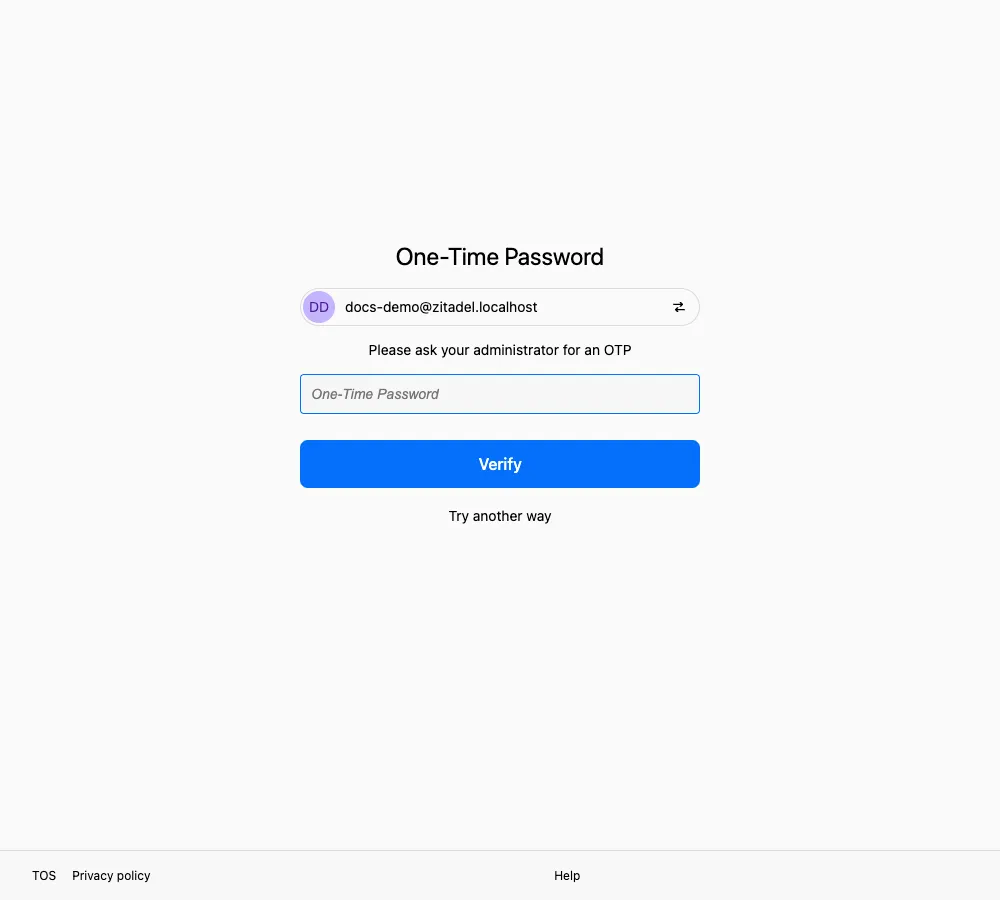
The OTP field and Verify button shown on the first sign-in.
The input field has the same label. Try another way still appears, but on a first sign-in it leads to no other usable method, so continue with the OTP.
Your first sign-in goes straight to this page. After you set up a Passkey, later sign-ins normally use it instead; request a new OTP if the Passkey is unavailable.
- Confirm with SSOSupport Bot that the OTP is the latest one issued.
- Enter it in One-Time Password.
- Select Verify.
Common messages
Section titled “Common messages”See Messages and what they mean for the complete OTP message reference.
Set up your own method as soon as you have signed in
Section titled “Set up your own method as soon as you have signed in”After your first OTP verification, we strongly recommend setting up a Passkey immediately. As long as you still have that Passkey, you usually do not need another OTP.
Related pages
Section titled “Related pages”- Compare the methods: Verification methods
- If you cannot reach SSOSupport Bot: Contact support